



VIRTUAL TERMINALTake a card payment
Take a card payment
without a terminal.
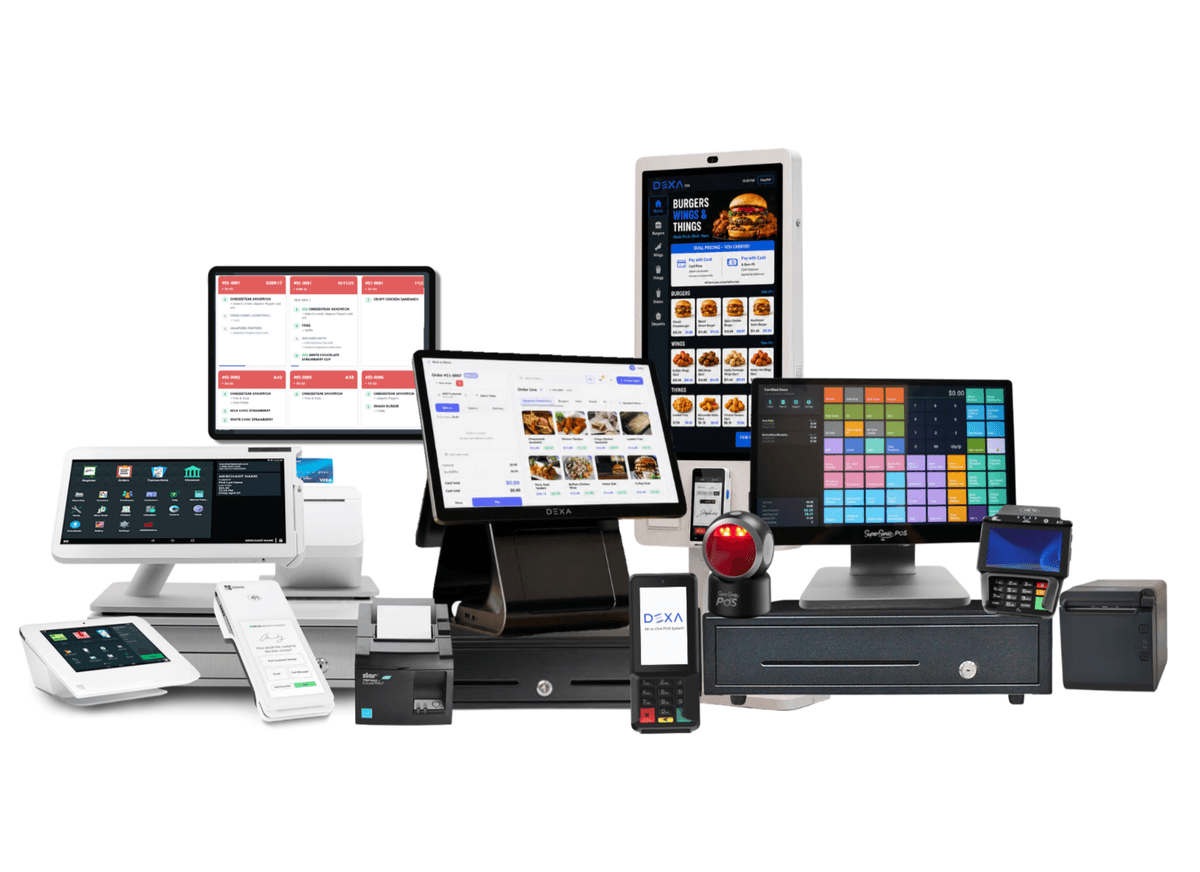
Key in phone, mail and back-office orders from any browser. No hardware to buy, no software to install, and the same MTech account, deposits and reporting you use at the counter.
$0
EXTRA HARDWARE
PCI
COMPLIANT ENTRY
24-48 hrs
TO APPROVAL
WHY A VIRTUAL TERMINALBuilt for orders that arrive
Built for orders that arrive
by phone, email or fax.
If the customer is not standing in front of you, the virtual terminal is where the sale gets taken: a secure browser page you log into and key the card into.
HOW IT WORKSFrom phone call
From phone call
to deposit.
The same four steps every time, whether the order came in on the phone this morning or by email overnight.
01 · Take the order
The customer calls, emails or faxes. You open the virtual terminal in a browser tab.02 · Key in the card
Card number, expiry, CVV and billing ZIP go into a secure form. Nothing is stored on your machine.03 · Screen and approve
Address Verification and CVV checks run before the charge is approved, so bad card-not-present orders get caught early.04 · Funds are deposited
The transaction batches with the rest of your volume and settles on your normal schedule.BEST FITWho runs on a
Who runs on a
virtual terminal.
If the order arrives before the customer does, this is how the money gets taken.